Project P.I.T.T. Beginner Guide
A practical Project P.I.T.T. beginner route: feed the Maw, unlock tools, understand the Upgrade Terminal, place panels, and start your first automation.
Begin by feeding the Maw with rubber ducks, learn the object controls that make carrying and placing reliable, and postpone elaborate chains until a basic loop works twice in a row. The exact final upgrade order remains source-labelled rather than assumed.
First five minutes
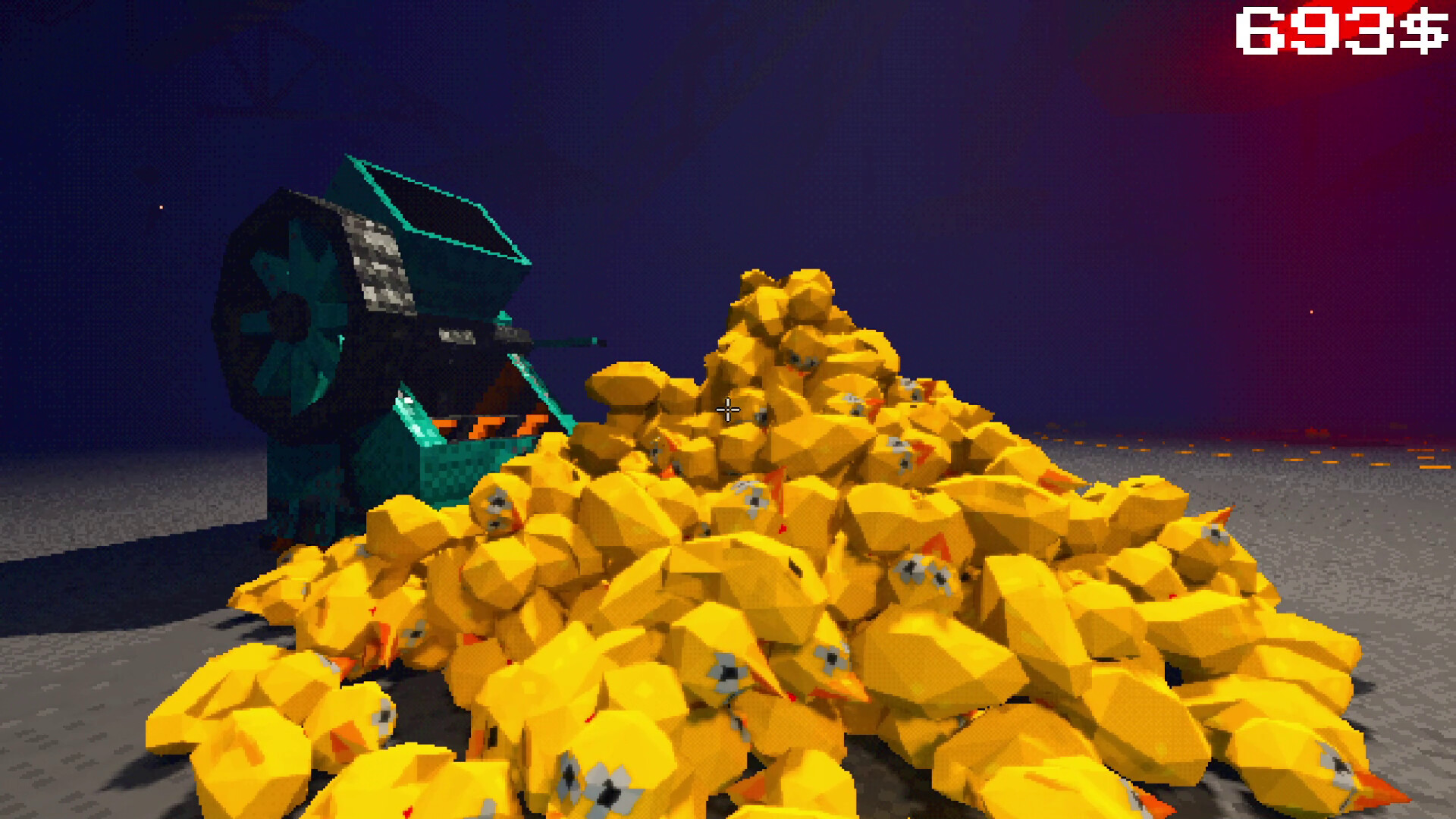
The official core loop is simple: craft rubber ducks, feed the Maw, and use the resulting progression to access more tools and products. Treat a clean manual feed as the baseline before trying to automate it.
Controls worth learning
The official FAQ lists Space for jump, C for crouch, Shift for sprint, F for interaction, and mouse controls for picking up, throwing after its upgrade, rotating, and snap mode. These are the controls that matter when setting a line by hand.
Avoid an early jam
Do not scale a chaotic physics pile first. Test two clean cycles, then add one routing or control decision at a time. Panels become a more useful guide surface when the Sticky Tools conditions are met.
- Read the next verified progression cue.
- Use a simple route before a compact one.
- Save experimental chains for after the basic loop holds.
Later production and safety
When you reach Anomaly production, use the official Cauldron composition table rather than a copied payout formula. Keep a save backup before large cleanup or secret-route experiments.
Primary source: Official Steam store page ↗. Scope: both.
A source-check date is not an in-game test date. Historical fixes and community observations retain their stated scope.