Project P.I.T.T. Controls
Project P.I.T.T. control notes through 1.0.8: rebinding, Q, Panel Rack, movable pistons and keypad fixes, with historical defaults clearly labelled.
The historical official FAQ lists Space, C, Shift, F and object-handling controls. Updates 1.0.5–1.0.7 add every-action rebinding, Q grid/rotation finesse, a dedicated Panel Rack keybind, interaction-key binding and automatic dispense.
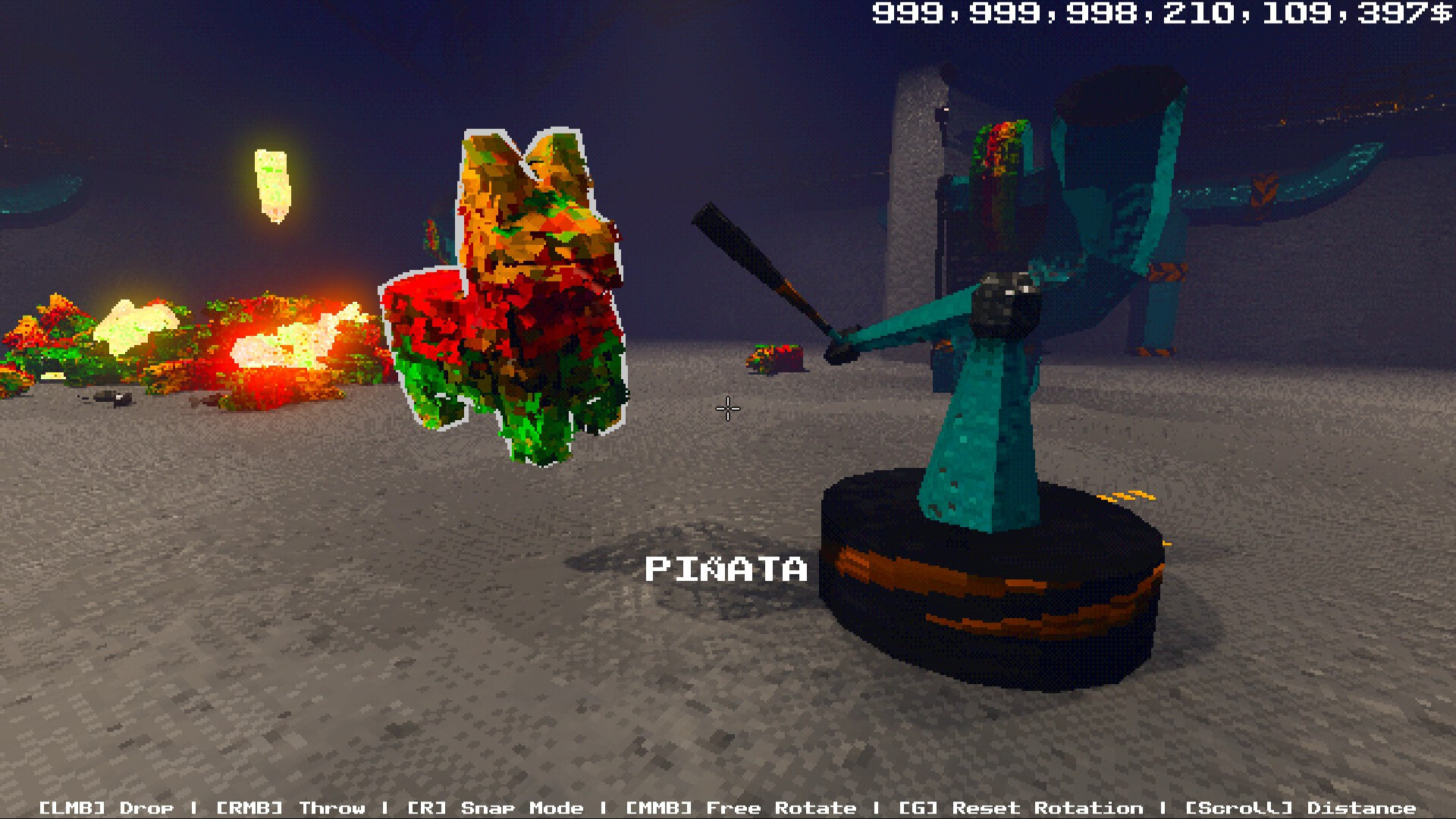
Patch-dated control changes
Update 1.0.5 enables rebinding every action, including scroll actions. Update 1.0.6 says the default Q action changes grid and rotation finesse and gives Panel Rack its own keybind. Update 1.0.7 lets the Rack bind to the interaction key and adds automatic dispense. Update 1.0.8 fixes keypad interaction and permits moving/picking up pistons with their attached objects.
Sources: Official Steam Update 1.0.8 — 4 September 2026 ↗ · Official Steam Update 1.0.7 — 30 August 2026 ↗ · Official Steam Update 1.0.6 — 26 August 2026 ↗ · Official Steam Update 1.0.5 — 22 August 2026 ↗
Published basics
The official FAQ historically lists Space to jump, C to crouch, Shift to sprint, F to interact, left mouse to pick up, right mouse to throw after its upgrade, middle mouse to rotate and R for snap mode. Treat these as a source-labelled baseline while custom bindings take priority in a player's save.
Scope note
The patch record does not publish a complete controller map or every default binding. This guide does not infer settings that the official sources do not name.
Primary source: Official Steam announcements — dated patch archive ↗. Scope: full game.
A source-check date is not an in-game test date. Historical fixes and community observations retain their stated scope.